What's new at Luminary: August update
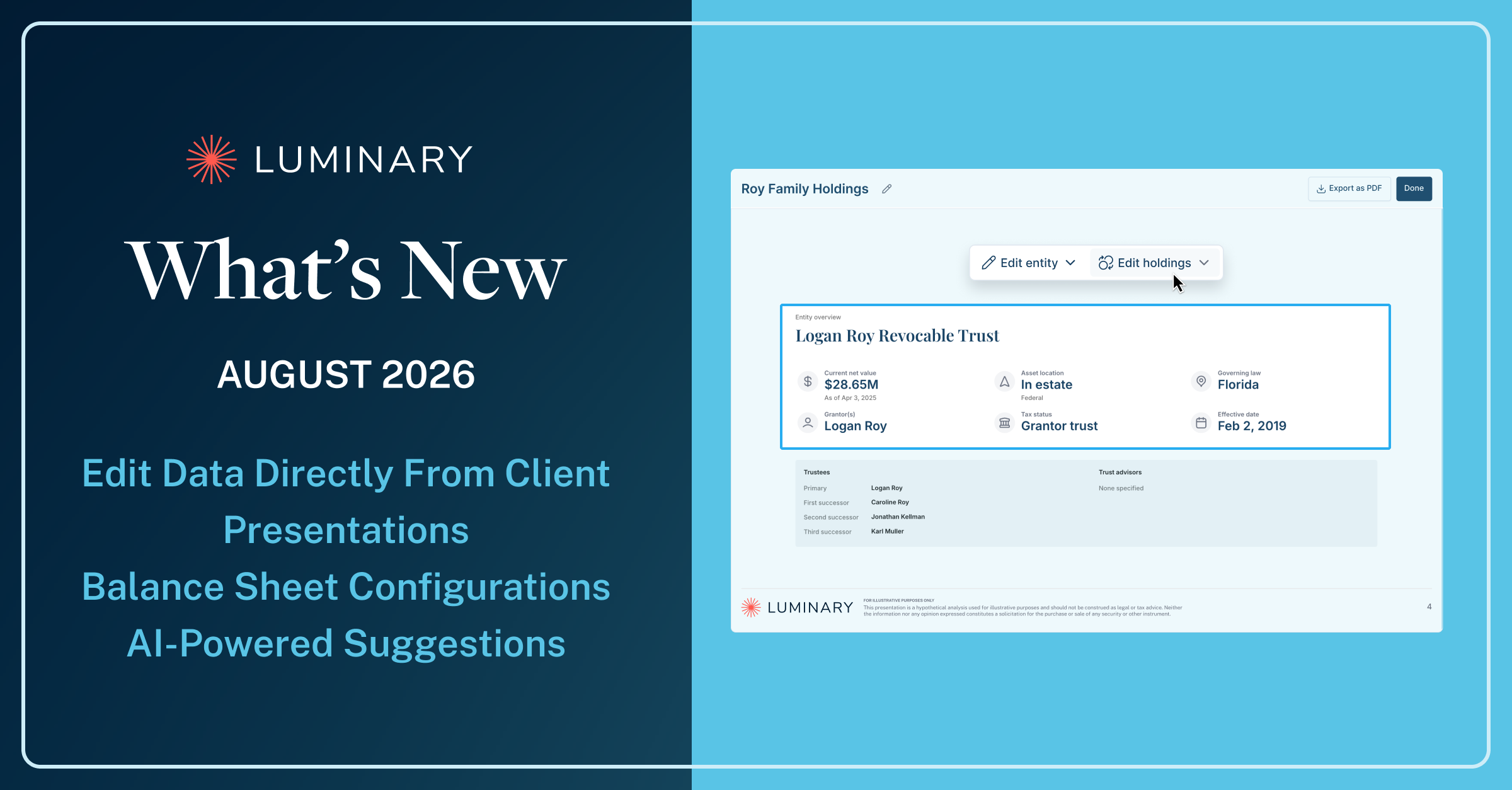

This month's headline update lets you edit entity details, holdings, diagrams, and summaries directly from the client presentation, with the source behind AI-extracted data a hover away.
Edit Data Right From the Client Presentation
Client presentations in Luminary now double as a working surface: update the entity details, holdings, and diagrams behind your slides without stepping out of the presentation, and check the source of AI-extracted data as you go.
Luminary presentations are built from the household's underlying data, every entity, holding, person, and provision. Now, nearly every data-driven slide includes an entry point to edit that data in place. Adjust a holding, refine an entity's details, or reword a summary, and the household record updates right along with the slide, so the deliverable you present and the data behind it stay in step.
Editing and view source entry points span the presentation:
- Entities: edit entity details and holdings, with view source alongside
- Family tree: edit the diagram and people details, with view source built in
- Entity overview: edit entity details and holdings in place
- Summaries: edit summary copy right on the slide
- Waterfall: edit the diagram and view source for tiles and icons, coming soon
- And beyond: liabilities, life insurance insights, the ownership diagram, educational materials, and firm disclaimers are all editable too
Plus, view the source of all underlying material throughout the presentation: just hover over any entity, individual, or organization, and Luminary shows exactly where that data point came from to make verification easy.
Configure Life Insurance on the Balance Sheet
A new toggle lets advisors choose whether life insurance policies appear on the balance sheet at death benefit or cash value, so the numbers align with how each client conversation frames the policy's role. The selected value flows through consistently, from summary metrics on the balance sheet and client overview page to the balance sheet view within presentations.
Every Person in the Plan, Captured Automatically
People suggestions—the individuals and organizations Luminary identifies while processing estate planning documents—are now accepted automatically and added directly into the client record. Accuracy on these identifications is consistently high, and with the full cast of people in place from the start, reviewing entities and the details that reference them now moves faster than ever.
The Estate Planning AI Face-Off: Part 2, Now On Demand

Patrick Gordon, Head of Enterprise Sales, and Ian Lyons, Head of Engineering, reconvene to tackle the questions sparked by our original face-off between general-purpose AI and purpose-built tools like Luminary. They dig into the trade-offs between different kinds of models, the shift from single-step AI shortcuts to autonomous agent workflows, and what all of it means for the tools already in your tech stack.
The Hidden Cost of Rigorous Pre-Acceptance Review
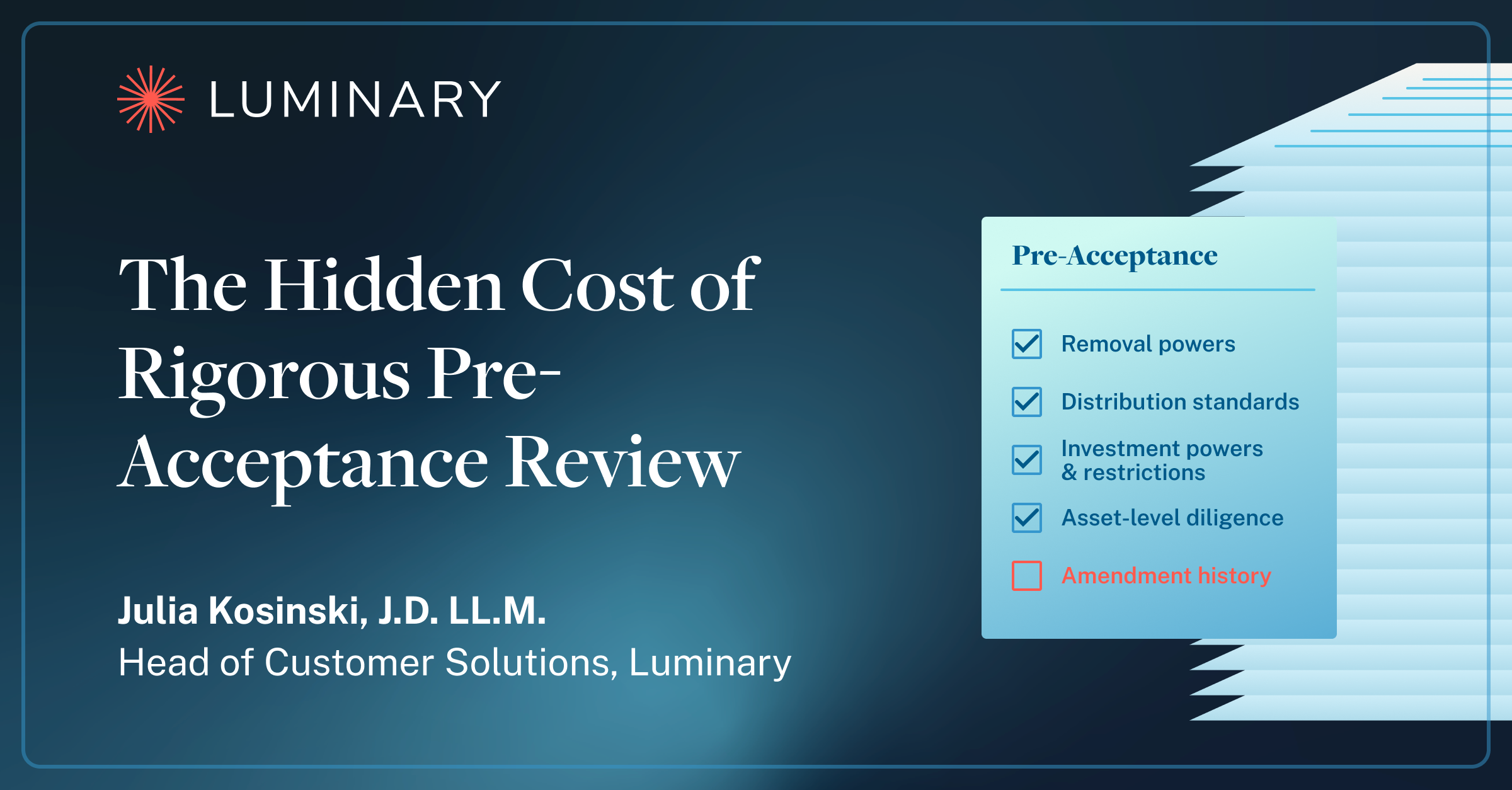
Julia Kosinski, J.D., LL.M., Head of Customer Solutions, examines why trust acceptance review has a diligence floor that doesn't move for a deal timeline, and why the real exposure tends to hide in how provisions interact across a full amendment history rather than in any single document. Her argument reaches beyond risk: the acceptance bottleneck quietly shapes which relationships, and how much revenue, a trust company can take on at all.