What's new at Luminary: May update

This month brings a meaningful upgrade to the balance sheet, expanded diagram and presentation branding controls, smarter document chat, new client-facing Will summaries, and fresh education slides for client conversations. Plus, our generic AI face-off webinar is now available on demand, and our Luminary Memos blog post dives into how advisors are reshaping client communications.
A More Powerful Balance Sheet for Every Client Conversation
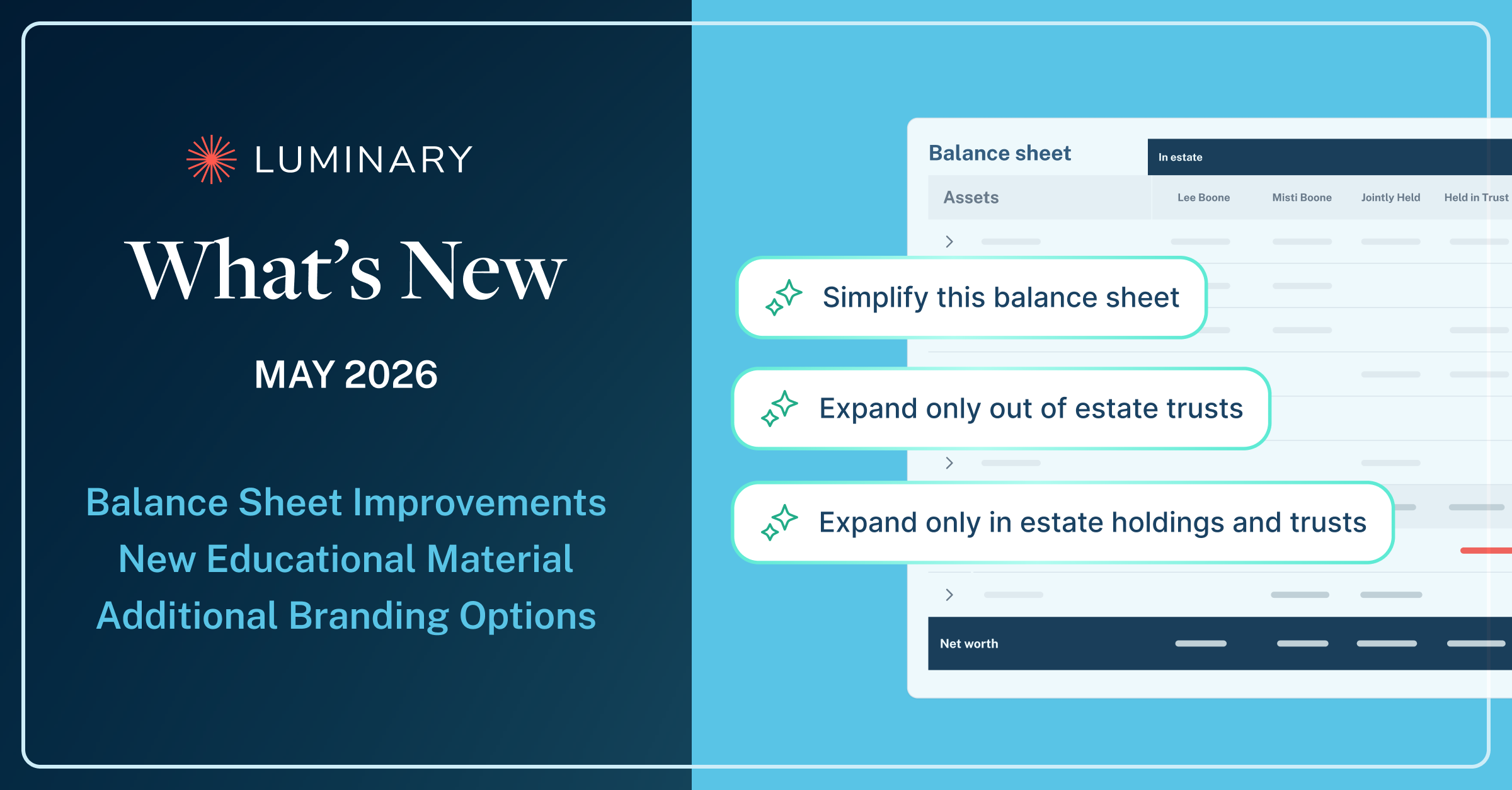
We've expanded what advisors can do with the balance sheet across Luminary and in client presentations, with new layout suggestions, deeper drill-downs, and more ways to organize and customize your view.
The new suggestions panel surfaces common layout configurations as one-click options, drawing on real patterns of how advisors set up their views, so reaching a useful starting point takes just seconds. Asset categories are now expandable directly in line, letting advisors drill into the underlying holdings while keeping the full picture in one place.
Upgrades include:
- Suggestions panel with one-click layout options based on real usage patterns
- Full exported balance sheet view, available as an optional addition to any presentation
- Expandable asset categories for in-line drill-downs into the underlying holdings
- Multiple balance sheet views within a bundle, each with its own custom name
Together, these changes make the balance sheet more adaptable to the way each advisor works and the way each client conversation unfolds. Whether you're walking through a high-level overview or zooming into a single holding, it’s now easier than ever to create a supporting view of your client’s financial picture.
Expanded Presentation Branding Options
Cover slides and divider slides now offer significantly more flexibility to express your firm's brand. New options include uploading a background image, adjusting the background color and opacity, changing the title text color, resizing and repositioning the logo, and toggling the footer on or off.
Two New Education Slides
Our education slide library now includes ready-made slides on QPRTs and philanthropic giving, giving advisors clearer, more visual ways to help clients understand sophisticated planning strategies during a presentation. Both slides can be edited at the firm level under the Education tab so the language and framing match your firm's house view.
Document Chat With Built-In Estate Tax Knowledge
Document chat now incorporates Luminary's proprietary tax engine logic when answering estate tax questions. That means responses around topics like federal exemption thresholds and state-specific estate tax rules draw directly on our tax calculations alongside the content of the document itself.
Client-Facing Will Summaries
Will summaries now have a client-facing format that mirrors existing trust formatting, with a clean tabular layout and plain-language output designed for client conversations. The new summary auto-runs for every Will document upload going forward.
Increased Diagram Control
The waterfall, single entity, and ownership diagrams now offer a richer set of editing controls. New options include custom sticky notes, additional icon shapes (square, circle, triangle, and diamond), tile color contrast, size options ranging from small to XXL, and a redesigned toolbar that consolidates configuration in one place.
Invite colleagues to Luminary directly
Users can now request to add a new colleague to Luminary from within the app. Submitting a colleague request automatically routes the invitation to the Luminary support team, who provisions the new user.

Now On Demand: The Ultimate Estate Planning Face Off
This week’s webinar is now available to watch on demand. Pat Gordon and Ian Lyons, Luminary's Head of Engineering, unpack why purpose-built infrastructure outperforms general-purpose AI when accuracy and structure matter in trust & estate work.
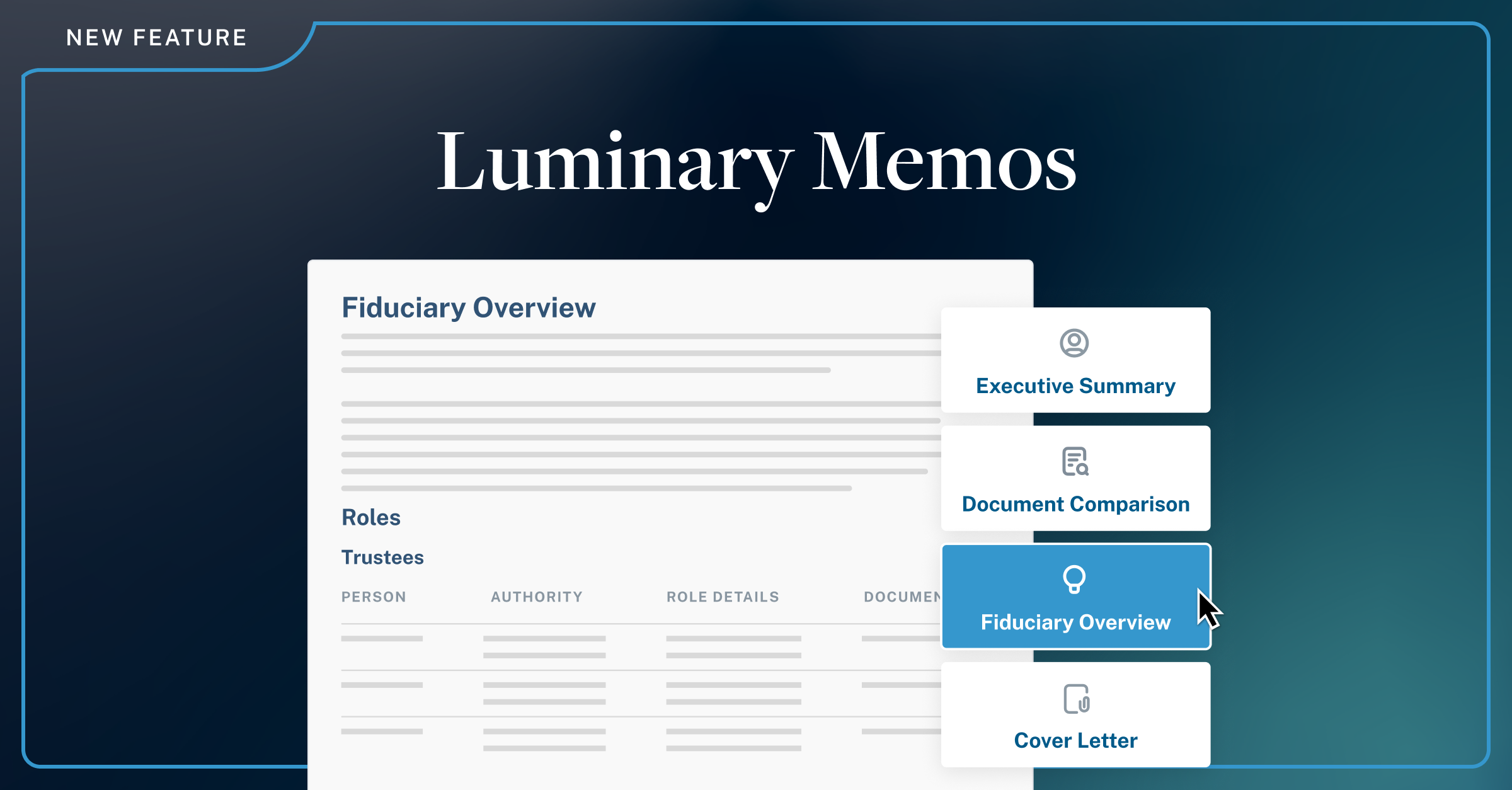
Introducing Luminary Memos
If you missed it, our recent blog post walks through what Luminary Memos brings to the platform and how advisors are putting it to work in client communications. A useful read for anyone wanting the full picture of memo creation in Luminary.